


Set the top of your screen at or slightly below eye level so the center of your active content sits about 15 to 20 degrees below your horizontal line of sight. That single adjustment resolves most posture-driven neck strain, but chair and desk height need to be correct first, and if your pain has other causes, screen height alone won’t fully clear it.
TL;DR:
- Placing your monitor at or slightly below eye level can significantly reduce neck strain, but chair and desk height must be correct first.
- Running quick self-tests can identify if monitor height contributes to neck pain; two or more failed tests indicate adjustments are needed.
- For larger or multi-monitor setups, the key is aligning the active area in the 15 to 20 degree downward gaze zone to prevent neck discomfort.
- Keep your monitor at arm’s length, with the top edge at your eye level and tilt to manage glare without altering height, to maintain proper posture.
- Combining ergonomic setup with regular movement breaks and, if necessary, relief devices like muscle stimulation or heat therapy can improve chronic neck tension.
Table of Contents
- Quick Self-Test: Is Your Monitor Position Causing Neck Pain?
- How to Adjust Your Monitor Height Step by Step
- Adjusting for Large Monitors, Multiple Screens, and Laptops
- Getting Distance and Tilt Right Without Undoing Your Height Fix
- Movement and Posture Habits That Make Monitor Adjustments Work
- When to Try Self-Care and When to See a Doctor
- What I’ve Learned From Watching People Fix Their Setups
- Relief Devices That Support an Ergonomic Setup
- Where This Guidance Comes From
- Sources
Quick Self-Test: Is Your Monitor Position Causing Neck Pain?
Before you touch a single setting, run this check. It takes about two minutes and tells you exactly what needs fixing.
- Arm’s-length test: sit normally and extend your arm forward. Your fingertips should just about reach the screen.
- Eye-line test: look straight ahead without tilting your chin. Your gaze should land two to three inches below the top edge of the screen.
- Chin position: notice if your chin juts forward or tucks down for more than a few seconds at a time. Either one means your setup is pulling your head out of neutral.
- Laptop check: if you’re working directly on a laptop, ask whether you’re hunching down to see the screen or up to reach the keyboard. You likely need both raised, separately.
If two or more of these fail, your monitor height is a real contributor to your neck pain.
How to Adjust Your Monitor Height Step by Step
Fix your chair before you touch the monitor. A perfectly placed screen still causes strain if your spine starts the day slumped.
- Set the chair first. Feet flat on the floor, back supported by the chair, elbows bent between 90 and 110 degrees at your keyboard.
- Find your neutral eye height. Sit up straight, look forward without effort, and note where your eyes land on the wall behind the monitor.
- Align the top edge. Raise or lower the screen so its top border sits at or just below that eye line, per OSHA’s ergonomic workstation guidelines.
- Angle for the 15 to 20 degree gaze. Your eyes should drift down slightly to meet the center of your main content, not straight ahead and not sharply downward.
- Set distance to arm’s length, then tilt the screen back only enough to kill glare, not to fix posture.
- Lock in presets. If you use a monitor arm or a sit/stand desk, save the height for both positions so you’re not re-eyeballing it every time you stand up.
A small study on monitor height and comfort found people consistently rated a higher monitor setting more comfortable than a lower one, even when muscle activity readings didn’t show a dramatic difference. Comfort is a legitimate data point. Trust what your neck tells you over several days, not just the first hour.
Pro Tip: Give any height change 48 hours before judging it. Your neck muscles have adapted to the wrong position for months or years, and a genuinely better setup can feel “off” for a day before it feels right.
Adjusting for Large Monitors, Multiple Screens, and Laptops
Screen size and layout change the math, and the standard rule needs translating for each case.
- Large or ultrawide monitors: the physical top edge may sit below your eye level, and that’s fine. What matters is keeping the center of your active content, where your eyes actually scan, in that 15 to 20 degree downward zone.
- Multi-monitor setups: center your primary screen directly in front of you and angle secondary displays inward slightly. Minimize how often you twist your neck to check a side screen for anything you reference constantly.
- Laptop users: a laptop screen forces a trade-off between neck flexion and wrist strain, and you cannot fix both by moving the laptop alone. Add an external monitor or a laptop stand, plus a separate keyboard and mouse, so the screen goes up without your hands following it.
Getting Distance and Tilt Right Without Undoing Your Height Fix
Distance and tilt can quietly cancel out a good height adjustment if you’re not careful.
- Start at arm’s length and adjust from there rather than guessing at inches.
- For 24 to 27 inch monitors, 50 to 70 centimeters usually works well; 32 inch and larger screens often need 70 to 100 centimeters.
- If a bigger screen leaves text too small at that distance, increase font or UI scaling rather than pulling the monitor closer, since closing the gap forces your neck forward again.
- Use tilt to manage glare from windows or overhead lights, not to compensate for a screen that’s too high or low. Raise or lower it first.
Movement and Posture Habits That Make Monitor Adjustments Work
Perfect monitor height without movement is like a good diet without exercise. It helps, but it’s not the whole picture. Clinical guidance consistently notes that neck pain is often multifactorial, meaning posture, muscle tension, stress, and sleep position often overlap.
- Stand up or shift position every 30 to 45 minutes, even briefly.
- Do a few slow neck rolls and shoulder blade squeezes between tasks.
- Keep your keyboard and mouse close enough that you’re not “perching” forward to reach them, which quietly drags your head with it.
- If pain persists after weeks of correct setup and regular movement, a physical therapist can address muscle imbalances that ergonomics alone won’t fix.
When to Try Self-Care and When to See a Doctor
Most posture-related neck pain responds to simple, at-home treatment. According to Mayo Clinic guidance, ice works best for the first 48 hours, followed by heat, and mild to moderate cases typically improve within two to three weeks with consistent self-care.
- Ice for the first two days, then switch to heat.
- Over-the-counter pain relievers can help short term, alongside gentle stretching.
- Watch for red flags: pain that keeps worsening, numbness or weakness running down an arm, fever, or any loss of bladder or bowel control.
Any of those last symptoms warrant a prompt medical visit rather than another week of waiting it out.
What I’ve Learned From Watching People Fix Their Setups

The mistake I see most often isn’t a lack of ergonomic knowledge. It’s people applying the “top of screen at eye level” rule to a 32 inch monitor and ending up with their neck cranked back to see the top corner, when the fix was simply to lower the whole screen and let the top edge sit below eye level.
The other pattern worth naming: people fix their monitor and stop there, then wonder why the tension in their upper back hasn’t budged. Height solves the visual angle. It does nothing for a neck that’s been braced and tense for months. The fastest improvements I’ve seen combine a corrected setup with short, frequent movement breaks, not one or the other.
— Achraf
Relief Devices That Support an Ergonomic Setup
Even a well-calibrated monitor won’t undo months of accumulated tension overnight. That’s where a targeted device can close the gap while your posture habits catch up.
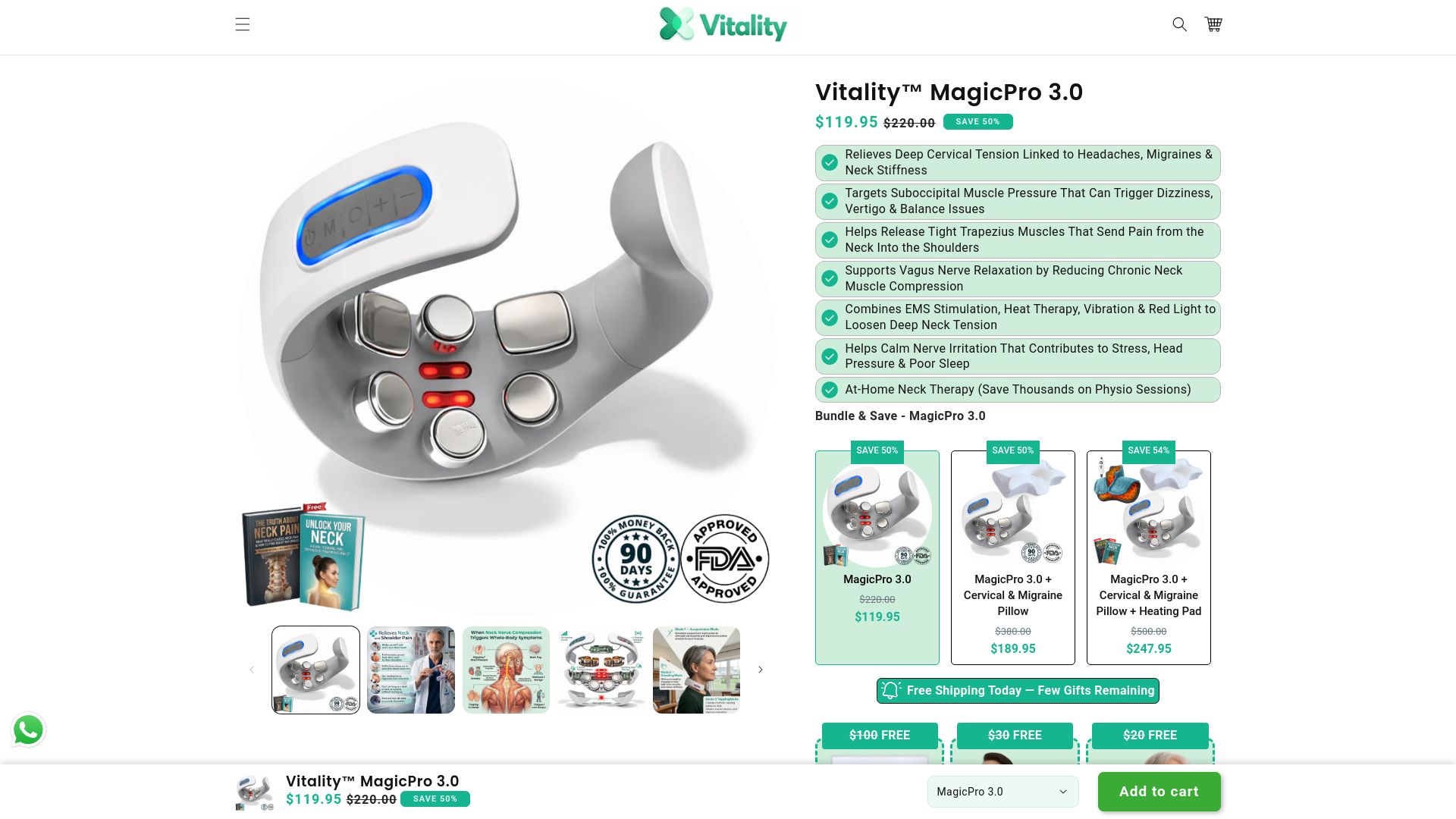
My Vitality’s MagicPro devices combine electrical muscle stimulation, heat, and massage in a single 15-minute daily session, designed for the exact stiffness that builds up from hours at a desk, regardless of how good your setup is. The MagicPro 2.0 targets general neck tension and works during a lunch break, a commute, or while you’re still at your desk. For readers dealing with tension that seems to radiate into headaches or fogginess, the MagicPro 3.0 adds vagus nerve support to the same heat-and-massage combination. Readers curious about light-based options can also look into red light therapy for neck tension as another adjunct. Fix your ergonomics first. If tension lingers, check out the MagicPro 2.0 to see whether it fits your routine.
Where This Guidance Comes From
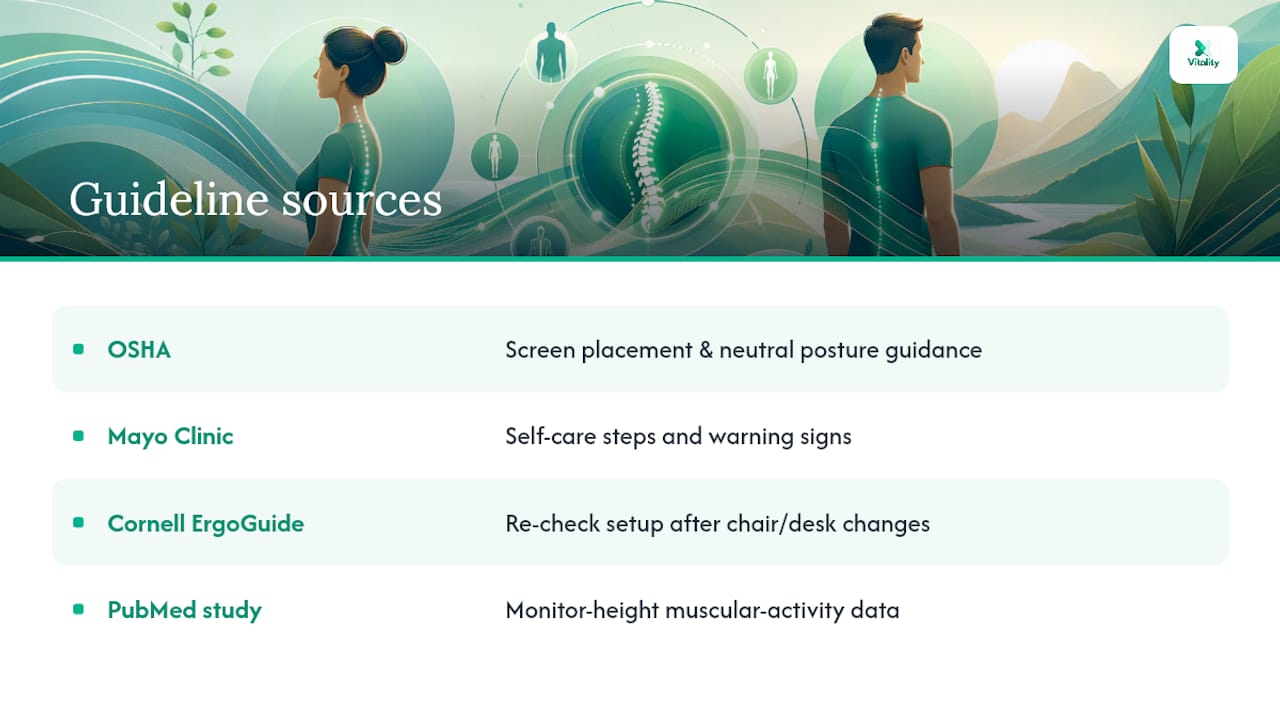
The height and gaze-angle recommendations here trace back to OSHA’s workstation ergonomics guidelines, the standard reference for screen placement and neutral posture. Self-care steps and warning signs draw on Mayo Clinic’s neck pain guidance, while the note on re-checking your setup after any desk or chair change comes from Cornell’s ErgoGuide. For readers who want the underlying comfort data, the PubMed study on monitor height and muscular activity is worth a closer read.
This article is general information, not a substitute for advice from a qualified doctor. Consult a qualified healthcare professional about your own circumstances before acting on anything here.
Sources
- Neck pain - Diagnosis and treatment - Mayo Clinic
- Effects of computer monitor setting on muscular activity, user comfort and acceptability in office work — PubMed
- How to soothe a sore neck — Harvard Health
- Cornell University Ergonomics — ErgoGuide